
You've nailed the pitch and the client is on board. Now comes the part that decides whether the project runs cleanly or turns into a month of “I thought that was included.” A strong Statement of Work turns verbal agreement into a usable operating document. It defines scope, deliverables, timelines, responsibilities, acceptance criteria, and the commercial terms people argue about later.
That matters because an SOW isn't just admin. It's the contractual foundation for vendor and contractor work, and in many institutional settings it's required to spell out enough detail to distinguish real project work from a simple purchase order. Good statement of work templates save time, but only if they include the sections that keep projects from drifting.
The practical problem is that theory is rarely needed. What's required is a template that can be adapted today, then a reliable way to finalize and sign it without adding another subscription or a clumsy handoff between tools. That's where this guide is more useful than a generic roundup. It pairs ten solid template options with the workflow that gets a draft across the line and into a signed agreement.
A great SOW prevents scope creep, clarifies expectations, and supports faster payment by tying approvals to what was delivered. Starting from a blank page is the hard part. These are the templates I'd keep in reach.
Table of Contents
- 1. The Digital Project Manager
- 2. ClickUp
- 3. PandaDoc
- 4. Smartsheet
- 5. Portant
- 6. LegalTemplates
- 7. Adobe Acrobat for Business
- 8. DocuSign
- 9. LegalZoom
- 10. Template.net
- Top 10 SOW Template Comparison
- Your Next Project, Clearly Defined
1. The Digital Project Manager
The Digital Project Manager SOW guide and template is one of the better starting points for agency, consulting, and project delivery work because it doesn't just hand you a file. It gives you a template and a filled-in example, which is usually what people need when they're trying to decide how specific “specific” should be.
For modern services work, that matters. A solid SOW should cover project objectives, detailed work description, work location, tasks, outputs, schedule, roles, quality expectations, financial arrangements, and a change process. That broad structure is what keeps an SOW useful as both a delivery document and a contractual reference.
Why it works in practice
The strongest part of this resource is the combination of guidance and example language. Teams don't just copy headings. They can compare their draft against completed wording and catch weak sections before the client does.
I'd use this one when the job includes multiple phases, approvals, and dependencies across people on both sides. It's less ideal for a tiny fixed-fee gig where a shorter template will do.
- Best feature: Detailed how-to guidance sits next to the template, so non-legal teams can build a first serious draft.
- Real strength: The filled-in sample helps project managers write deliverables and acceptance language that sounds operational, not vague.
- Main drawback: Legal teams may still want clause style, defined terms, and formatting adjusted to match house standards.
A template is only useful if it helps you define what's included and what isn't. That boundary is where most SOW fights start.
2. ClickUp
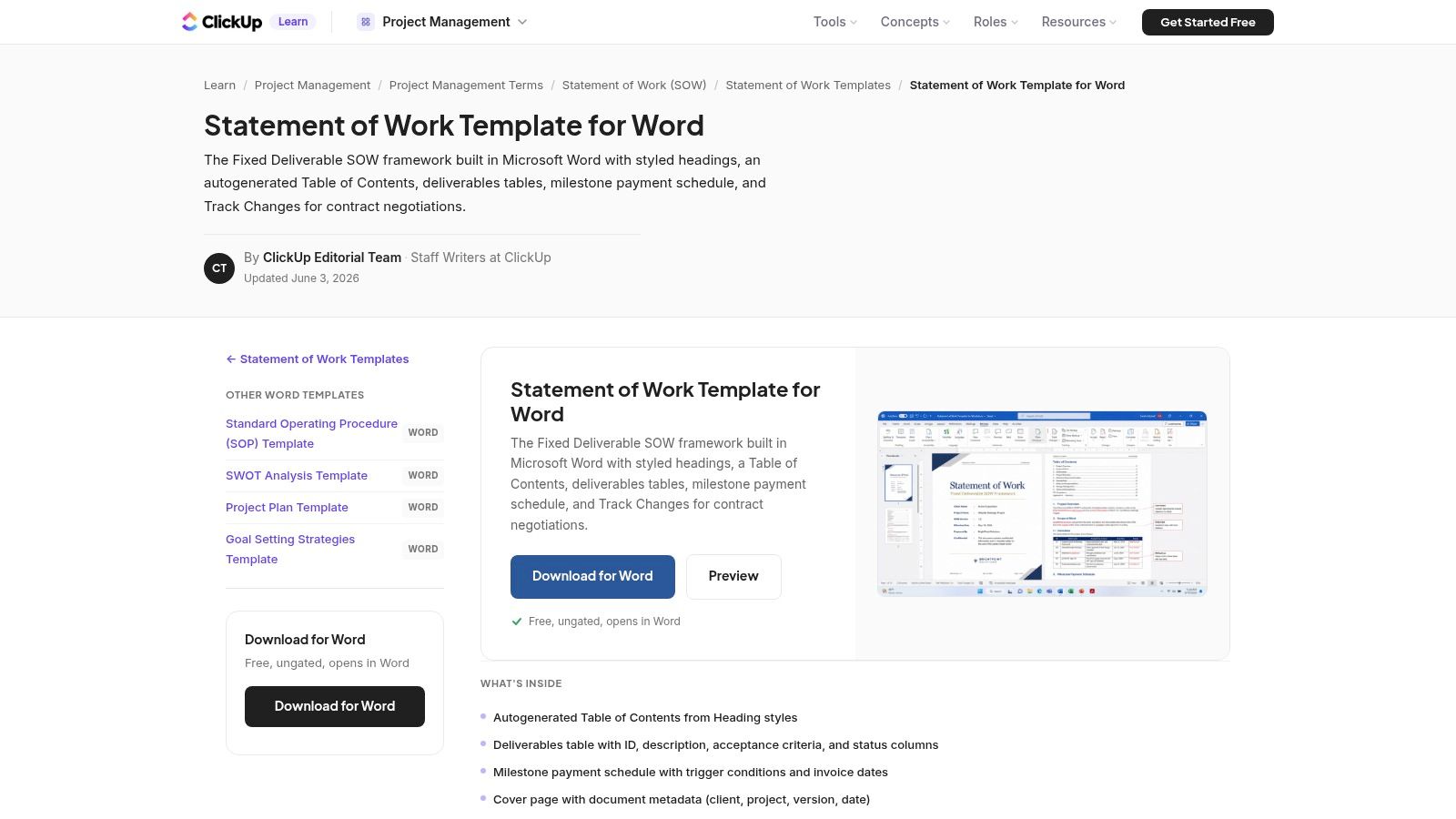
A client approves the scope on a call, then asks for the Word version so legal can mark it up. That is the moment this ClickUp Statement of Work template for Word earns its place.
ClickUp's option is a practical fit for teams selling into procurement-heavy organizations, especially when the SOW has to survive tracked changes, comment threads, and several review rounds. The template is laid out like a document people already know how to handle, with clear sections and enough structure for scope, assumptions, deliverables, and milestone-based pricing.
That matters because a lot of SOW friction has nothing to do with scope quality. It comes from format. If the client wants a .docx, sending a browser-only draft just creates extra work and invites formatting errors when someone exports it later.
Where it works best
I'd use this template when the document is still being negotiated, not just archived. It gives delivery, sales, legal, and the client a version they can all edit in the same familiar environment.
It is also a good choice when payment terms need to map cleanly to outputs. In practice, milestone tables tied to accepted deliverables are usually easier to approve and defend than vague monthly billing language. ClickUp gives you enough structure to write that clearly, then move the finished draft into a signing flow once the redlines are done. If you are comparing signature platforms before you finalize that handoff, this DocuSign vs PandaDoc comparison is a useful read.
- What it does well: Keeps Word-first review cycles efficient and gives stakeholders a document they can edit without format cleanup.
- Real advantage: The layout supports a draft to deal workflow. Edit in Word, finalize the language, then send it for secure signature in a tool like SignWith.
- Main limitation: It does not guide you on clause quality. The template helps with structure, but the scope, acceptance terms, and change control still need experienced drafting.
- Who should skip it: Independent consultants who want an all-in-one browser workflow with built-in approvals and e-signature from the start.
3. PandaDoc
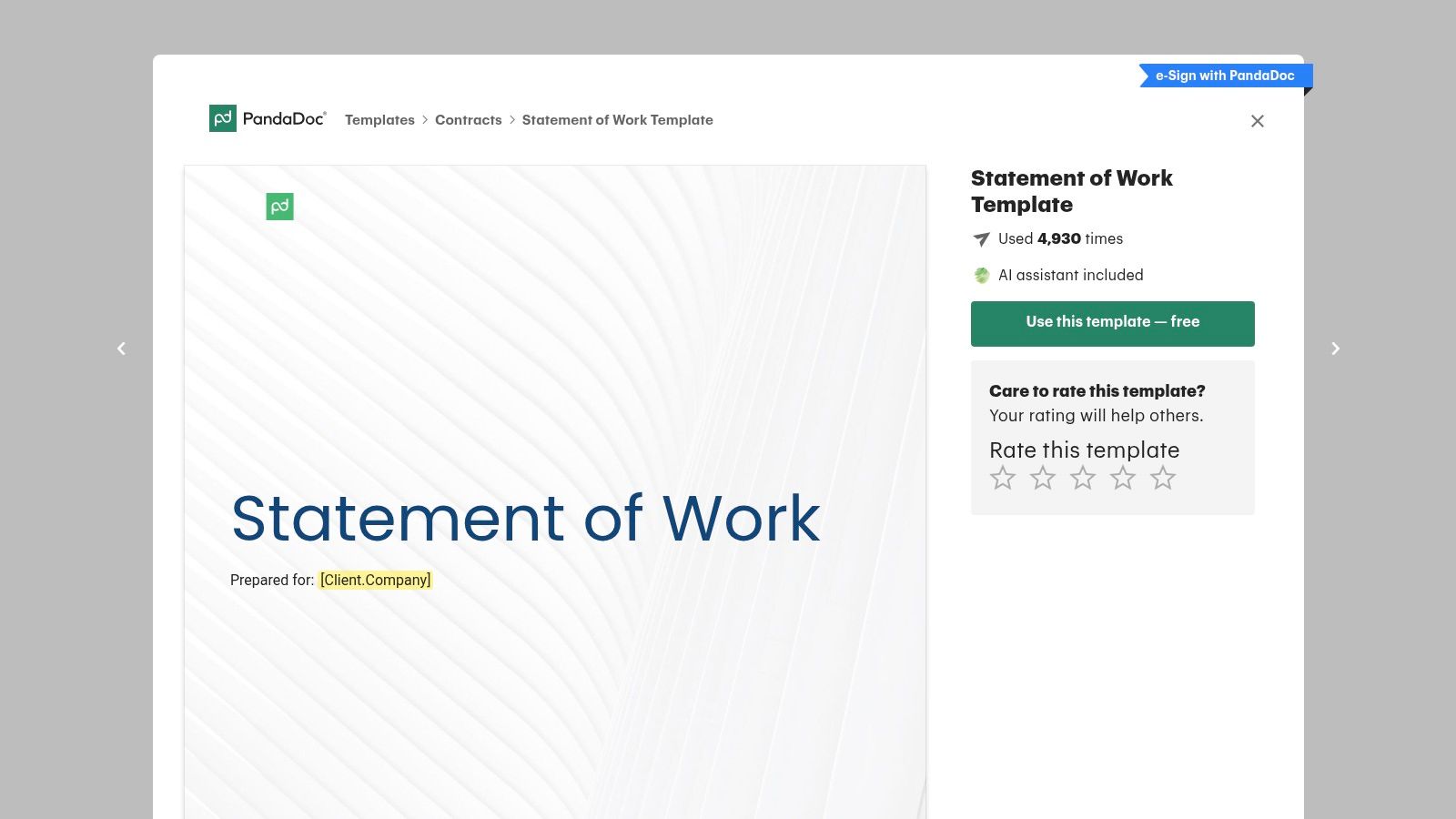
PandaDoc's Statement of Work template is structured the way many recurring service relationships work. You've got a master agreement in place, and each new project gets its own SOW. That makes this a practical fit for agencies, consultants, and retainers that need repeatable exhibits rather than one-off contracts every time.
The online editing environment helps during review cycles. Comments, revisions, and export options are useful when the SOW needs feedback from delivery, account, and client stakeholders before it's locked.
Where it fits best
PandaDoc is strongest when you need the SOW to live inside a broader contract workflow. That includes scope, term, schedule, roles, acceptance, and payment terms that can sit neatly under an existing MSA.
If you're comparing signature-heavy document platforms, this PandaDoc comparison is worth reading before you standardize your process. The template itself is solid, but the bigger question is whether you want your drafting and signing stack tightly bundled or intentionally separate.
- Best feature: Complete SOW structure with practical sections already in place.
- Big advantage: Good fit for recurring MSA plus SOW relationships.
- Limitation: The design is functional, not polished. Organizations often tweak branding before sending it to a client.
Practical rule: If the project sits under a master agreement, label the SOW like an exhibit and keep the commercial logic consistent across every project add-on.
4. Smartsheet
Smartsheet's free statement of work templates are useful for one reason above all. You don't get forced into one format. Word and Excel variants give teams options depending on whether they think in narrative terms, tabular deliverables, or both.
That flexibility makes Smartsheet a strong utility pick. If your team handles different types of engagements, the ability to start from a layout that already feels close to the work saves editing time.
What stands out
I like Smartsheet for traditional file-based teams. Not every project needs an online generator. Sometimes the fastest route is downloading a familiar template, editing it locally, and circulating it.
When the draft is ready, a lightweight signing step matters more than a bloated document suite. For teams that just need to send the final file out, a free e-signature tool is often enough to close the loop cleanly.
- Best use case: Teams that adapt templates across industries and don't want to rebuild structure from scratch.
- Practical upside: Excel-based layouts can help when deliverables, rates, or milestone logic need a more grid-driven format.
- Trade-off: Design is basic, and there's no in-app guided drafting experience.
5. Portant
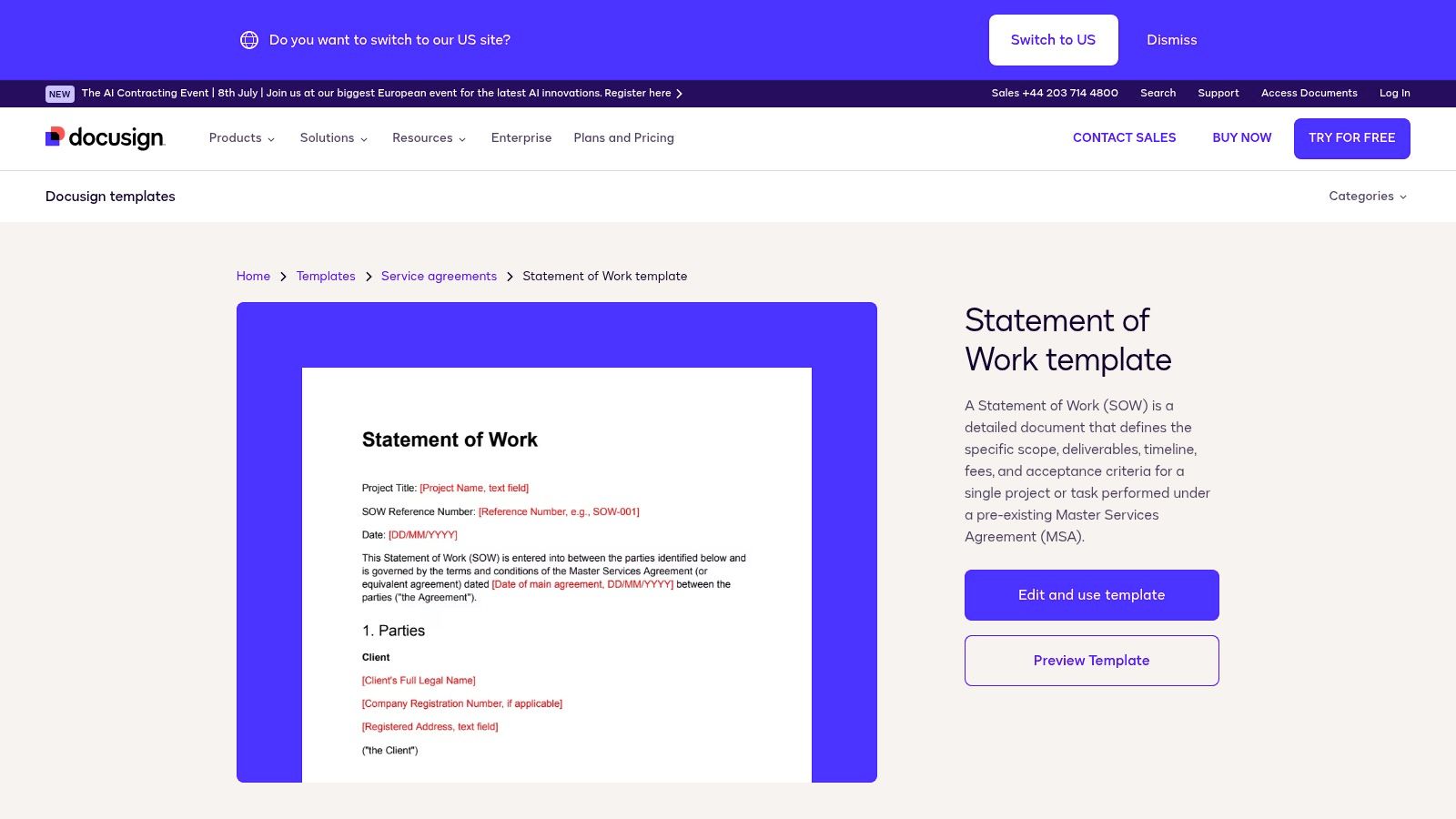
A common small-team problem looks like this. The consultant writes the draft in Word, the client edits a PDF, and someone copies comments back into a new file at midnight. Portant avoids that mess by starting with a free SOW template built for Google Docs and Word, with enough structure to cover deliverables, milestone payments, and acceptance criteria without turning the document into legal wallpaper.
That balance is why it works. The template stays readable, which matters more than teams admit. If a client cannot scan the scope, payment triggers, and approval process in a few minutes, the negotiation usually slows down or shifts into email clarification.
Where Portant fits best
Portant is a good pick for service businesses that already run in Google Workspace. Founders, project leads, and contractors can comment in one draft, resolve scope questions in context, and avoid the usual version-control sprawl.
I also like that the layout makes room for one of the most important SOW habits: spelling out what is included and what is not. That sounds basic, but it is often the difference between a calm delivery cycle and a debate halfway through the project. Portant does not give much legal guidance, but it gives teams a clean frame to make those boundaries explicit.
That makes it useful in the actual workflow, not just at the template stage. Draft in Docs, tighten the scope, confirm approval language, then send it for signature. If your team wants to keep everything in Google Docs until the deal is ready, this guide on how to eSign on Google Docs is a practical way to finish the document without switching systems. That draft-to-sign path is where tools like SignWith help close the gap between a decent template and an executed agreement.
- Best use case: Small agencies, consultants, and client-service teams working from Google Docs or Word.
- What it does well: Keeps milestone payments, deliverables, and acceptance terms visible instead of burying them in dense language.
- Trade-off: Better for straightforward engagements than complex projects that need clause libraries, fallback provisions, or heavier legal review.
6. LegalTemplates
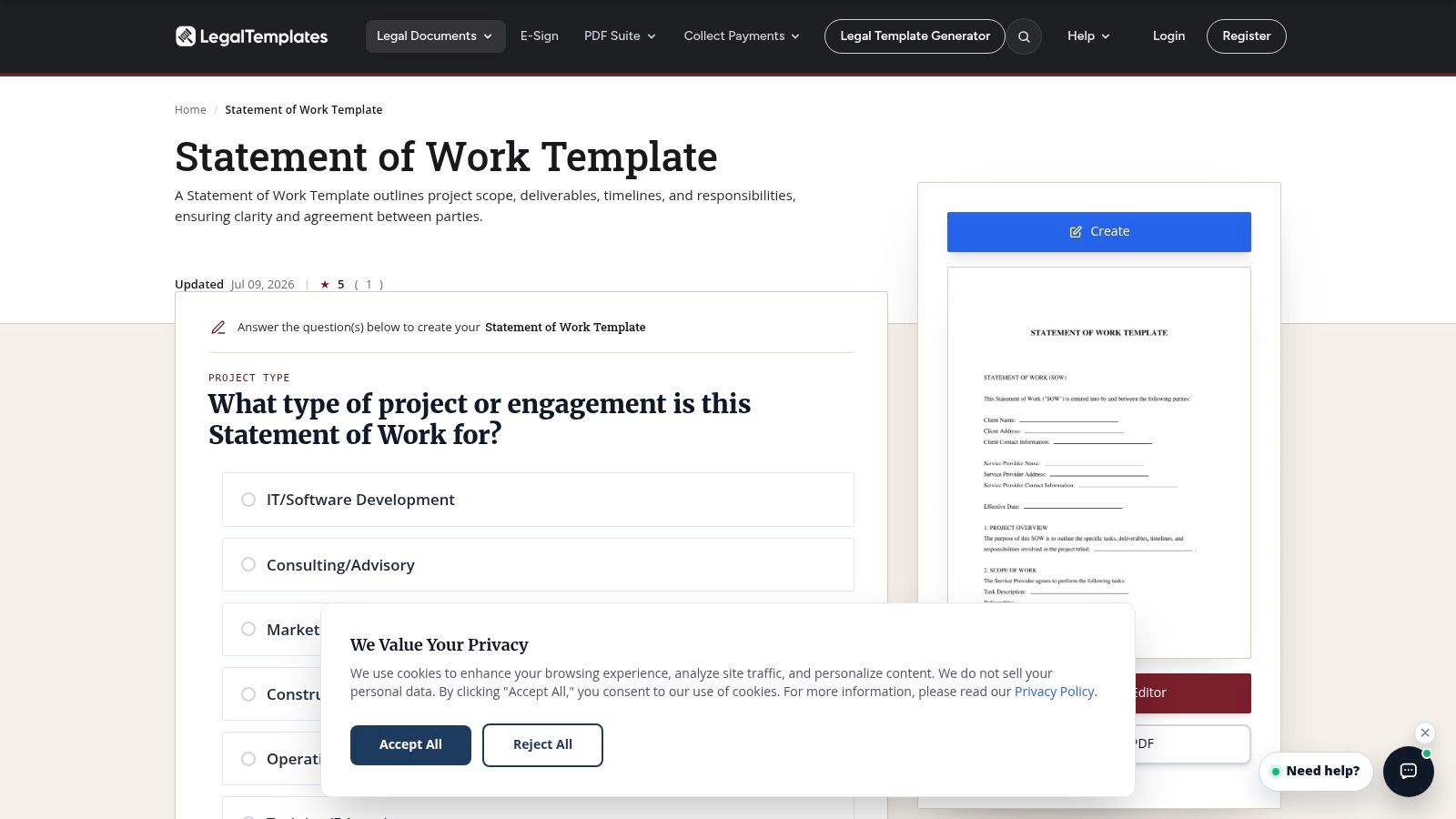
A client asks for a draft by end of day, the scope is mostly clear, and no one wants to build the document from scratch. LegalTemplates' Statement of Work generator fits that moment well. It asks plain-language questions, then turns the answers into a usable draft you can edit in Word or PDF.
I recommend this type of tool for founders, consultants, and operations leads who know the commercial terms but need help turning them into a structured document. The value is speed and coverage. A guided form reduces the chance that someone forgets core sections like deliverables, payment terms, timeline, or acceptance criteria.
The trade-off is that the draft stays broad by design. That is useful early in the process, especially if the goal is to get internal alignment before procurement or legal marks it up. It is less useful when the project needs detailed change control, service levels, data handling terms, or IP language suited to the engagement.
That makes LegalTemplates a good drafting tool, not the finish line.
The practical workflow is straightforward. Generate the first draft, tighten the scope, replace any generic wording with your real delivery terms, and confirm who approves changes once the project starts. Then send the final version for signature in the system your team already uses. Tools like SignWith matter at that last step because they help turn a fast draft into an executed agreement without losing momentum between review and sign-off.
- Best feature: Guided questions help you produce a complete first draft quickly.
- Practical benefit: Easy export to editable formats for review, redlines, and client-specific edits.
- Main caution: Review every clause for projects involving IP ownership, security requirements, regulated data, or unusual acceptance terms.
7. Adobe Acrobat for Business
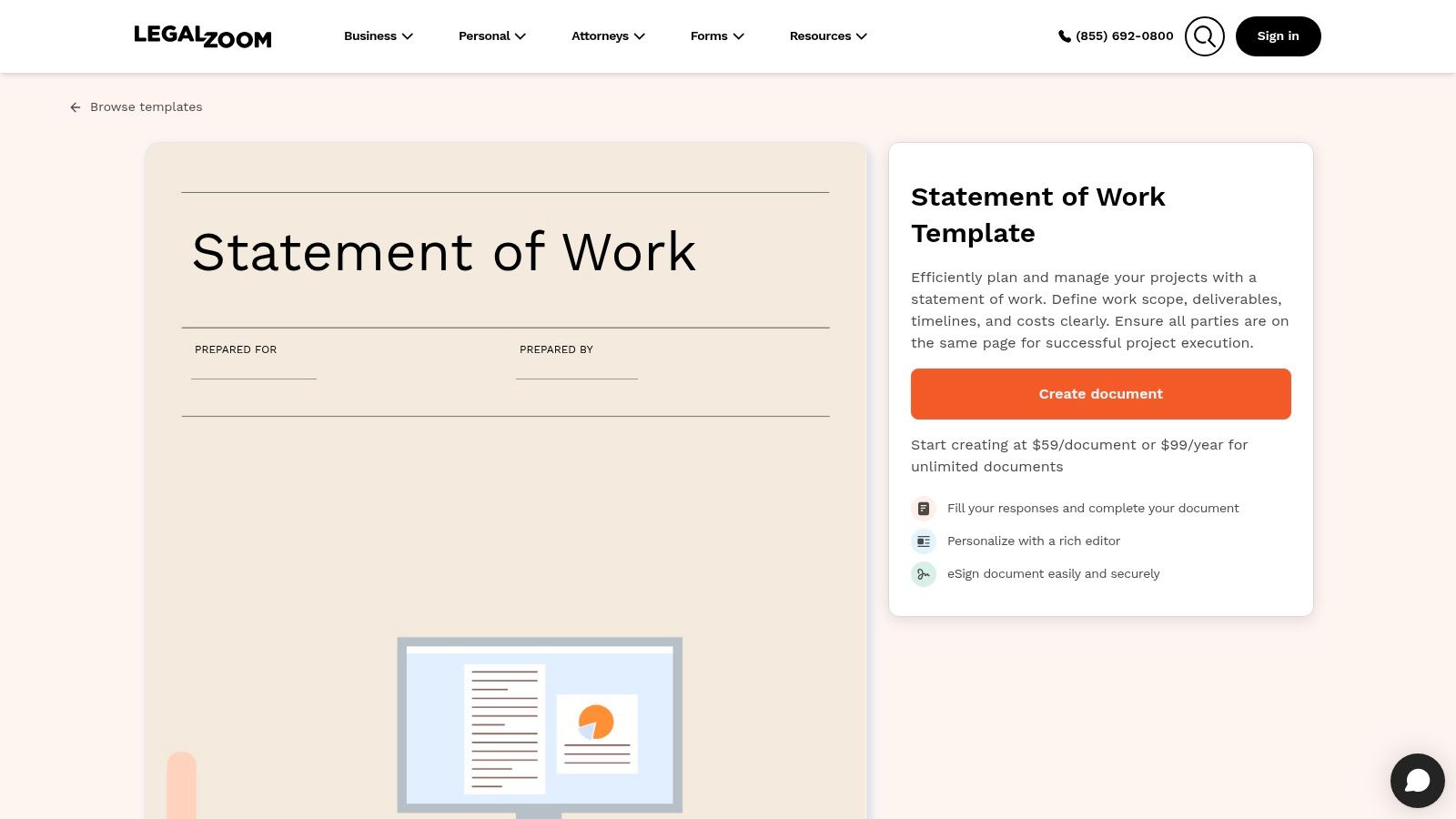
Adobe Acrobat for Business and its SOW resource make sense for teams that finish everything in PDF. If your review cycle already depends on comments, annotations, approvals, and a polished final document, Adobe's template fits that reality.
The content itself is broad rather than specialized. That's fine if you need a general-purpose SOW skeleton and already know how your organization handles commercial terms.
The PDF-first advantage
A lot of service teams still draft in Word and finalize in PDF. Adobe fits that handoff well because the template is designed with clean final output in mind. You don't have to fight the formatting during conversion.
This is also where modern SOW requirements matter. Strong templates now often include change procedures, reporting cadence, and data security expectations as standard sections, because those details keep the document aligned with how projects run after signature.
PDF-first workflows are strongest when the document will be reviewed by several people but signed in one final, stable form.
- Why choose it: Familiar PDF workflow and clear educational material.
- Best for: Teams that annotate and approve contracts in Acrobat already.
- Downside: Less depth for niche industries or highly specialized services.
8. DocuSign
A common handoff looks like this. Sales agrees on the deal terms in the MSA, the project team needs a clean SOW for scope, and procurement wants signature without another round of formatting fixes. DocuSign's free Statement of Work template fits that workflow well.
Its real strength is discipline. The template assumes your team already uses an MSA-plus-SOW structure, so it stays focused on project-specific details instead of trying to carry every legal term inside one document. For companies with established contracting process, that keeps drafting faster and review simpler.
Best for teams that already know their contract stack
DocuSign works best when the MSA handles the standing terms and the SOW only needs to define the work. That division is practical, but it also creates a trade-off. If your team drops a vague template into a complex consulting, research, or strategy engagement, the signed document can still leave room for arguments about deliverables, ownership, acceptance, or change requests.
That is the limitation to watch. A generic SOW can read like a service order unless you spell out the actual expertise being provided, the work method, and what completion looks like. I usually tighten those sections before sending anything for signature.
This is also where the draft-to-deal process matters. DocuSign gives you the signature layer. You still need a workable review process before that point. In practice, teams often start with a template like this, customize scope and commercial details for the engagement, route it for internal approval, then push the final version to e-signature in DocuSign or a similar tool such as SignWith. The template only helps if the workflow around it is clear.
- Best feature: Clean fit for MSA-plus-SOW contracting.
- Best for: Operations, sales, and legal teams that already standardize agreement flow.
- Important weakness: You may need to add sharper language for expertise-driven projects, change control, and acceptance criteria.
9. LegalZoom
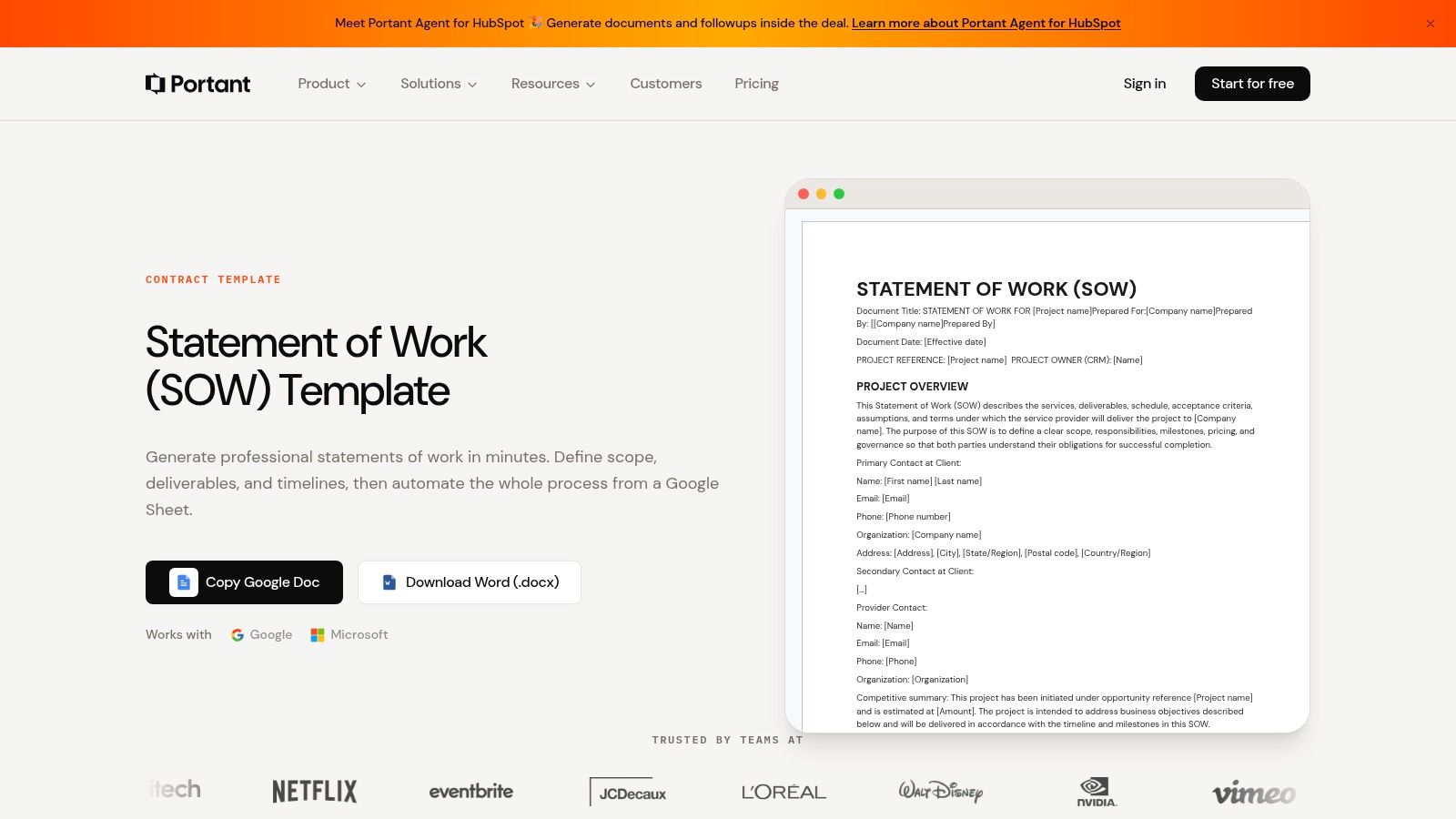
LegalZoom's Statement of Work template is a sensible conservative option for small businesses that want a more legal-forward starting point. It's not the most flexible or the most design-friendly, but that usually isn't why someone picks LegalZoom.
They pick it because they want structure, recognizable legal branding, and a path to paid help if the document raises questions. For founders who don't have in-house counsel, that can be reassuring.
Where it earns its place
I wouldn't use LegalZoom when the project team needs lots of collaborative editing or highly specific operational detail from the start. I would use it when the priority is establishing a cautious baseline that can then be customized for a specific job.
The payment and rights sections are where many templates fall short. Historically, SOWs have evolved from short project summaries into much more complete working agreements that often need to address payment terms, intellectual property, confidentiality, warranties, and data security. LegalZoom aligns better with that broader expectation than many free one-page templates do.
- Best for: Small businesses that want a safer starting point than a bare template.
- Main benefit: Online customization with access to a broader legal help ecosystem.
- Drawback: Paid access and generic language mean you'll still tailor it for your sector.
10. Template.net
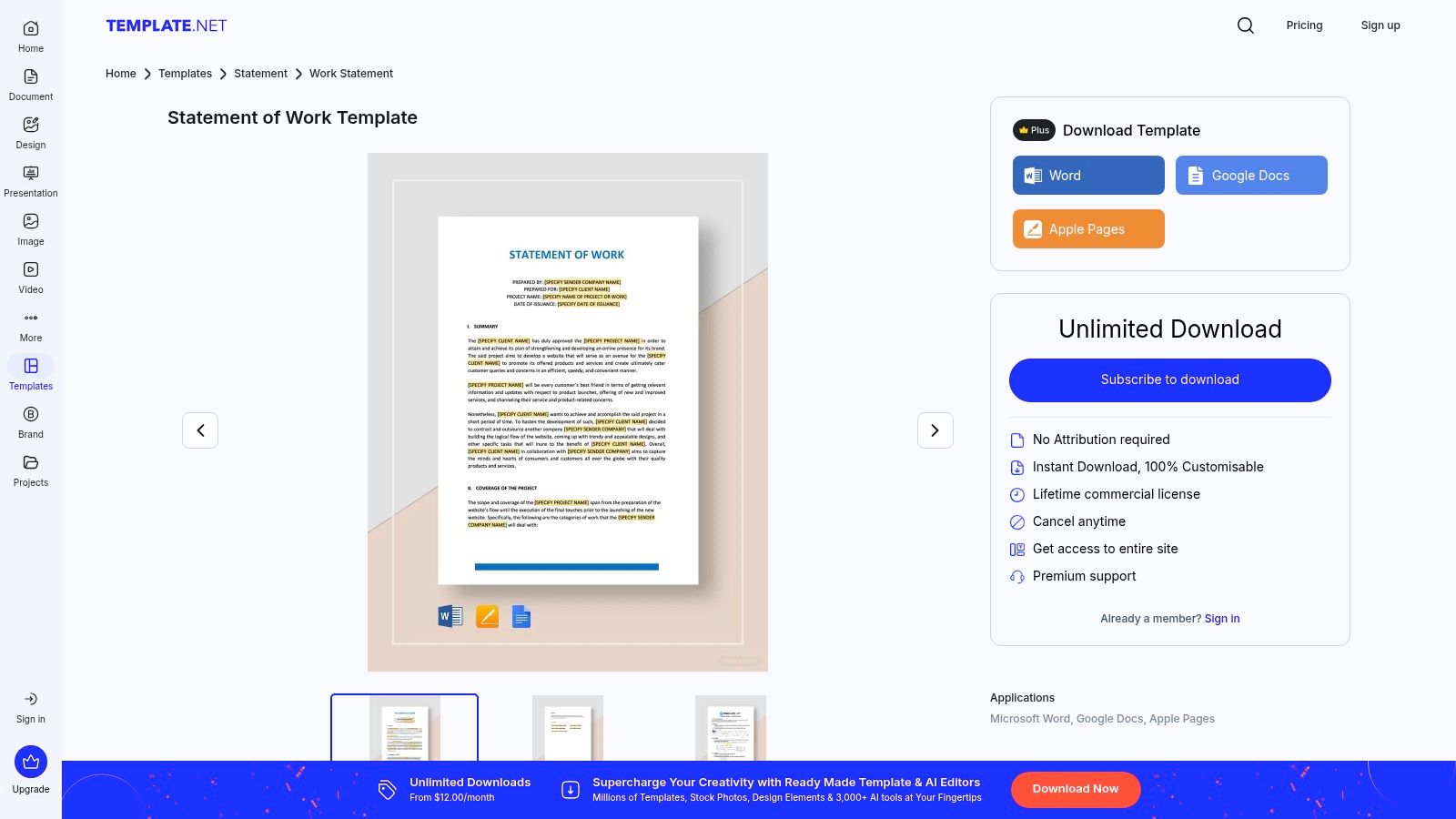
Template.net's Statement of Work templates are for breadth, not purity. If you need lots of options across business, IT, construction, or freelance work, it's one of the fastest places to browse stylistically finished files in multiple formats.
That convenience is real. Some teams need a presentable document fast, especially when they're still deciding what their standard should be.
The trade-off
Catalog sites always vary in quality. Some templates are clean and practical. Others look polished but don't do enough to protect the project. That means you have to evaluate the structure, not just the design.
One gap to watch is exclusions and assumptions. Research cited in the background for this topic points to these sections as frequent weak spots in generic templates, and that tracks with real project experience. If a Template.net file looks good but doesn't force out-of-scope items, assumptions, acceptance criteria, and change handling into the open, it needs more work before you send it.
If appearance matters as much as content for your client-facing documents, browsing branded form templates can also help you tighten up presentation around your intake and approval workflow.
- Big advantage: Large selection and multiple editable formats.
- Good use case: Teams testing different layouts before standardizing.
- Risk: Style can hide missing substance, so review the actual sections carefully.
Top 10 SOW Template Comparison
| Template / Provider | Core features ✨ | Quality ★ | Value / Price 💰 | Best for 👥 | Standout 🏆 |
|---|---|---|---|---|---|
| The Digital Project Manager, Ultimate Guide & SOW Template | How‑to guide + filled‑in SOW, PM best practices ✨ | ★★★★☆ | Free guide + template 💰 | Agencies, PMs, consultancies 👥 | Filled‑in example + practical rationale 🏆 |
| ClickUp, Statement of Work Template for Word | Word .docx with TOC, metadata, tables ✨ | ★★★★☆ | Free download 💰 | Legal/Procurement & client negotiations 👥 | Track‑Changes‑friendly, polished formatting 🏆 |
| PandaDoc, Statement of Work Template | Prebuilt SOW sections, online editor, e‑sign ✨ | ★★★★☆ | Free template; account for e‑sign features 💰 | MSA + recurring services teams 👥 | Online editor with versioning & e‑sign flow 🏆 |
| Smartsheet, Free Statement of Work Templates | Multiple Word/Excel formats, tracking layouts ✨ | ★★★★☆ | Free, multiple formats 💰 | Cross‑industry teams needing variants 👥 | Variety of layouts for different use cases 🏆 |
| Portant, Free SOW Template (Google Docs + Word) | Deliverables & acceptance patterns, Google copy ✨ | ★★★★☆ | Free (Google/Word) 💰 | Small teams wanting collaborative docs 👥 | Clean deliverables‑first layout, Google Docs ready 🏆 |
| LegalTemplates, Statement of Work Generator | Questionnaire wizard, exports to Word/PDF ✨ | ★★★★☆ | Free builder; some paid downloads 💰 | Non‑lawyers needing guided drafts 👥 | Step‑by‑step intake for fast first draft 🏆 |
| Adobe Acrobat for Business, SOW Overview + Free Template | PDF‑centric template + SOW guidance ✨ | ★★★★☆ | Free template 💰 | Teams that standardize on PDF workflows 👥 | Designed for clean PDF output and Acrobat workflows 🏆 |
| DocuSign, Free Statement of Work Template | MSA + SOW framing, signature‑ready template ✨ | ★★★★☆ | Free template; DocuSign account optional 💰 | Org's already on DocuSign & legal ops 👥 | Optimized for digital signature workflows 🏆 |
| LegalZoom, Statement of Work Template | Online customization, vetted clauses, support ✨ | ★★★☆☆ | Paid access / premium support 💰 | Small businesses wanting paid legal options 👥 | Reputable brand + paid legal help available 🏆 |
| Template.net, Statement of Work Templates (Multiple Formats) | Large catalog, many industries & file types ✨ | ★★★★☆ | Mix of free & paid items 💰 | Teams needing many stylistic/industry options 👥 | Extensive selection across office suites 🏆 |
Your Next Project, Clearly Defined
The best statement of work templates don't just save time. They make the project easier to manage before kickoff, during delivery, and when it's time to invoice. That's the standard I use when judging them. If a template looks polished but leaves ambiguity around deliverables, assumptions, exclusions, approvals, or change control, it isn't helping much.
A proper SOW is a legally binding document that defines scope, deliverables, timelines, responsibilities, and acceptance criteria. In procurement, higher education, and government-style contracting, it often has to go further and show enough detail to distinguish expertise-driven work from a simple order form. That's why the template choice matters. You're not just filling boxes. You're shaping the document that people will use later to interpret what was promised.
A few patterns stand out from this list. The Digital Project Manager is strong when you need guidance and a real sample, not just headings. ClickUp is practical when legal review happens in Word. PandaDoc and DocuSign fit recurring MSA-driven work. Smartsheet and Portant are easy wins for teams that want editable files without friction. LegalTemplates helps when you need a guided first draft. Adobe works well in PDF-first organizations. LegalZoom is the conservative choice. Template.net is useful when variety and presentation matter, but it needs a closer editorial eye.
The workflow after drafting matters just as much as the template itself. Creating a file is rarely the challenge for teams. They struggle to move that file from “almost done” to “approved, signed, archived, and easy to find later.” That handoff is where process breaks. Versions drift, someone signs the wrong attachment, or the document gets sent through a signing system that feels oversized for occasional use.
That's why pairing your chosen template with a clean signature flow matters. Once the SOW is customized, convert it to a final version, confirm the signer roles, and send it through a tool that keeps the process lightweight while still preserving the record. For compliance, the point that matters here is straightforward. SignWith is complied with USA standard for e-signature, ESIGN Act and UETA. Under those rules, valid electronic signature workflows need clear intent to sign, consent to do business electronically, an association between signature and record, and retained accessible records. SignWith fits the closeout stage because it keeps the draft-to-deal process simple instead of turning one SOW into a software migration project.
Choosing the right template is the first step toward a successful project. Turning that template into a signed agreement is the second. Do both well, and you start the engagement with clarity instead of assumptions. Stop wondering and start defining.
If you want to move from draft to signed SOW without paying for another subscription, SignWith is a practical fit. You can upload your final PDF, place fields, route it to the right signers, and keep an audit-trailed copy without forcing clients to create an account. For freelancers, small businesses, consultants, and lean ops teams, that pay-per-document model is a cleaner way to finish agreements than buying a full platform you barely use.
